macOS
Link Opener
Your menu bar command center for the web
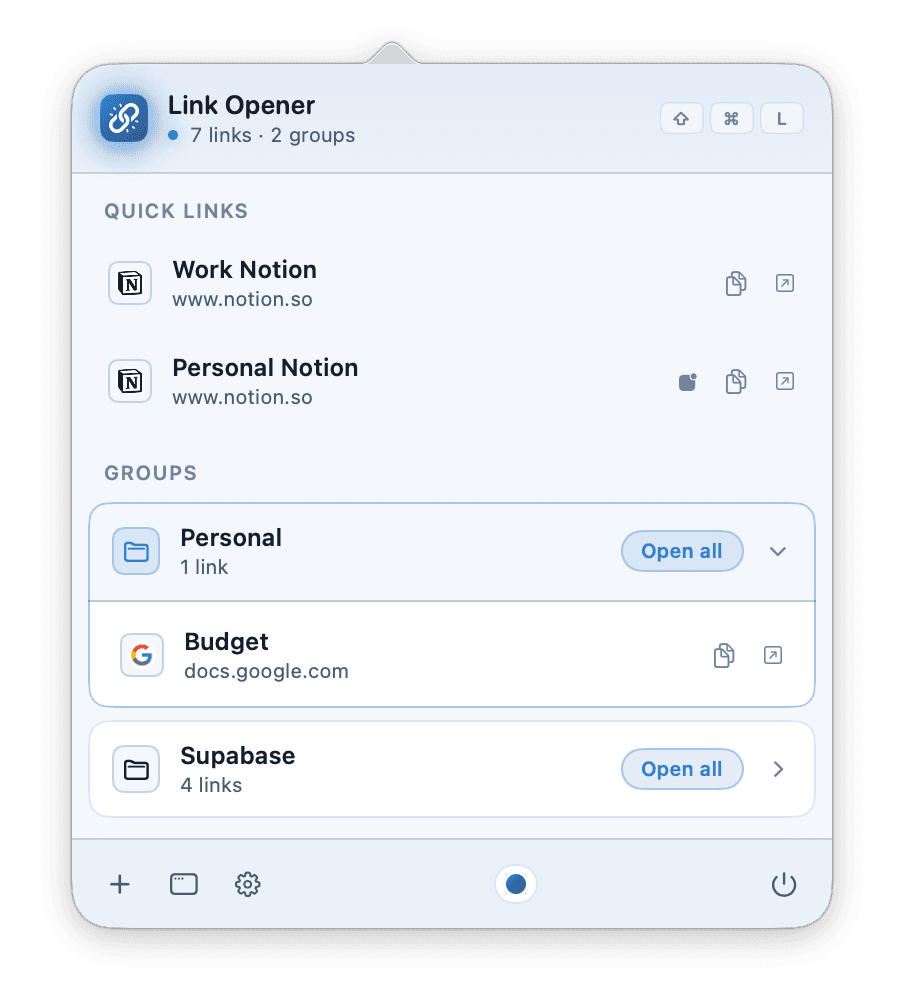
Link Opener is the menu-bar app for the way the web actually works in 2026: dozens of tools, a handful of dashboards you check every morning, deep links into native apps that your browser would otherwise mishandle.
One shortcut, every link
Press ⇧⌘L from anywhere — Slack, Xcode, Safari, the Finder — and your full link library appears at the cursor. Click one to open it. Click "Open all" on a group to fire off every link in sequence with a configurable stagger.
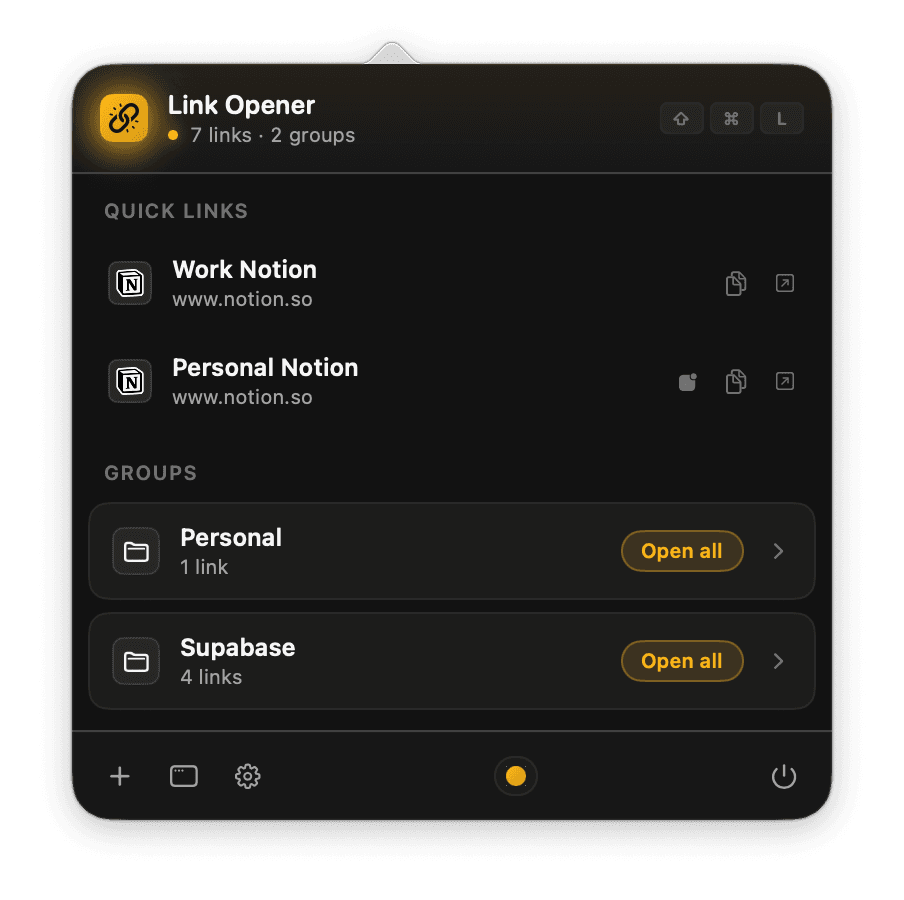
Groups of context
A "Morning routine" group with your news, calendar, and metrics. A "Migration run-through" group with the ticket, the database console, the runbook, and the deploy dashboard. Open it once, work, close it. Tomorrow do it again in two seconds.
Deep links, not browser tabs
- Notion
- Slack
- Linear
- Figma
- Cursor
Save a Linear URL with "Open with: Linear.app" and your https://linear.app/... links route straight into the native client. Same for Notion, Slack, Figma, Cursor, GitHub Desktop, Spotify, Obsidian. Your browser is one option, not the only option.
iCloud sync
Every link and group syncs automatically across your Macs via iCloud Key-Value Store.
Open source
The source is on GitHub. Inspect the code, file issues, or fork it.